cell_tower
Broadcast Station
visibility
14.4K views
schedule
3 years ago


CULCHR.TV
Vintage Exclusive
Up Next
Network Discovery

visibility
14,414 views
thumb_up
151
comment
9
schedule
8:18
2023
3 years ago
Subscribe: https://lwj.dev/newsletter — Many devs (like me!) are intimidated by enterprise features like single sign-on (SSO), but the tools are WAY better now. You can add it to SaaS apps fast!
This tutorial covers adding single sign-on to a Node.js app built with Fastify (very similar to Express — all the same concepts and most of the same code will apply). WorkOS powers the SSO flow, and Okta is used as the Identity Provider (IdP) that allows customers to manage who on their team has access to apps in a single place.
Features like SSO might seem daunting, but they're a necessity if you want to land the enterprise contracts that are worth upwards of $100,000 USD. WorkOS makes it really fast to add single sign-on and a whole host of other features that get your SaaS app ready for enterprise contracts.
Huge thanks to WorkOS for making this video possible. Get your account at https://lwj.dev/workos
Resources & Links:
- source code: https://github.com/learnwithjason/workos-six-figure-saas-contracts
- WorkOS docs on setting up SSO: https://workos.com/docs/sso
- Okta developer edition: https://developer.okta.com/signup/
- Fastify (Express alternative for Node.js): https://fastify.dev/
Chapters:
0:00 Why big customers ask for SSO support
0:47 Add a redirect URI to WorkOS
1:05 Create an organization in WorkOS
1:26 Configure single sign-on (SSO) in WorkOS
1:38 Add an app integration in Okta
2:36 Add the Okta metadata URL to WorkOS
2:49 How to give employees access to SSO-enabled apps in Okta
3:25 Add SSO support to a Node.js app
3:47 Set environment variables
4:33 Add a login route and SSO flow handling
5:14 Handle redirect URI calls
5:48 Test the login
6:03 Enable sessions for storing user data
6:30 Store user data in the session and pass to the home page
7:05 Require a valid user session to view the dashboard
7:22 Handle logout
7:44 Recap and next steps
apparel
Vintage
steps
Sneakers
checkroom
Streetwear
sports_esports
Gaming
travel
Travel
chef_hat
Food
broadcast_on_home
Tech
child_care
Kids
sell
Reselling
sports
Sports
comedy_mask
Comedy
tv_guide
Entertainment
skateboarding
Skate
style
Cards
history_2
Retro
money_range
Business
headphones
Music
dictionary
Learn
rss_feed
News
wall_art
Art
landscape
Outdoors
newspaper
Docuseries
manga
Anime
sports_kabaddi
Wrestling
styler
Lifestyle
car_gear
Auto
supervisor_account
Reality
shopping_bag
Shopping
diamond
Luxury
military_tech
Military
borg
Sci-Fi
language_international
International
grass
Western
weather_hail
Weather
movie
Movie
car_gear
Engineering
casino
Gameshow
home_and_garden
Home
universal_local
Local
bath_soak
Relaxation
More to Watch

9:45
Text to Video AI PUBLIC ACCESS NOW AVAILABLE! - Try Text to VIDEO now!
16.7K views • 4 years ago
44:56
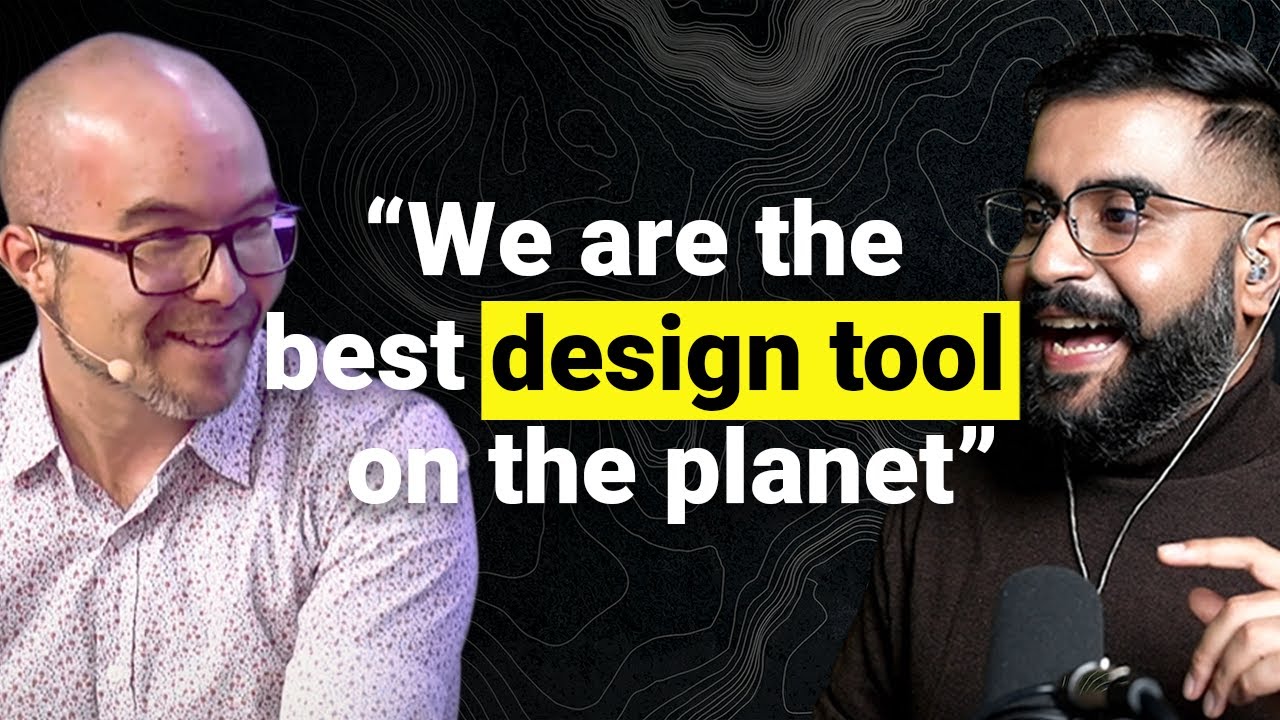
How Canva Built a $32B Design Empire (and Why Adobe Should Be Worried)
1K views • 1 year ago

21:36
ChatGPT 4 Learns to Use Midjourney - It Mastered Promptcrafting! (AI EXPIRIMENTS)
39.8K views • 3 years ago

5:47
MCPE - Better Vegetation (ALMOST LIKE PC)
5.7K views • 9 years ago

1:32:56
Set Up a Better Content Editing Experience
1.8K views • 4 years ago

7:37
New Indie Horror Game: The Occupant Beta!
236 views • 8 years ago